Unraveling Widevine's DRM Architecture: A Technical Deep Dive

As streaming platforms continue to evolve, protecting media content from unauthorized access has become a pressing concern. To combat piracy and safeguard intellectual property, Digital Rights Management (DRM) solutions like Widevine have emerged as the industry standard. In this article, we'll delve into the technical workings of Widevine's DRM architecture, covering everything from PSSH boxes to key decryption.
What is DRM?
Before diving into the intricacies of Widevine's DRM system, let's briefly discuss what DRM is and why it's essential for streaming platforms. Digital Rights Management refers to a set of technologies designed to protect digital content from unauthorized access, copying, or sharing. Streaming services employ DRM solutions like Widevine to prevent users from bypassing paywalls, downloading copyrighted material, or re-distributing content without permission.
Locating the PSSH Box
In Widevine's DRM architecture, one critical component is the Protection System Specific Header (PSSH) box. This box contains metadata that enables the Content Decryption Module (CDM) to decrypt protected media. The PSSH box can be found in two formats: embedded within DASH/HLS manifests or MP4 init segments. To locate the PSSH box, users can employ tools like Shaka Packager, mp4box, or inspect the manifest directly.
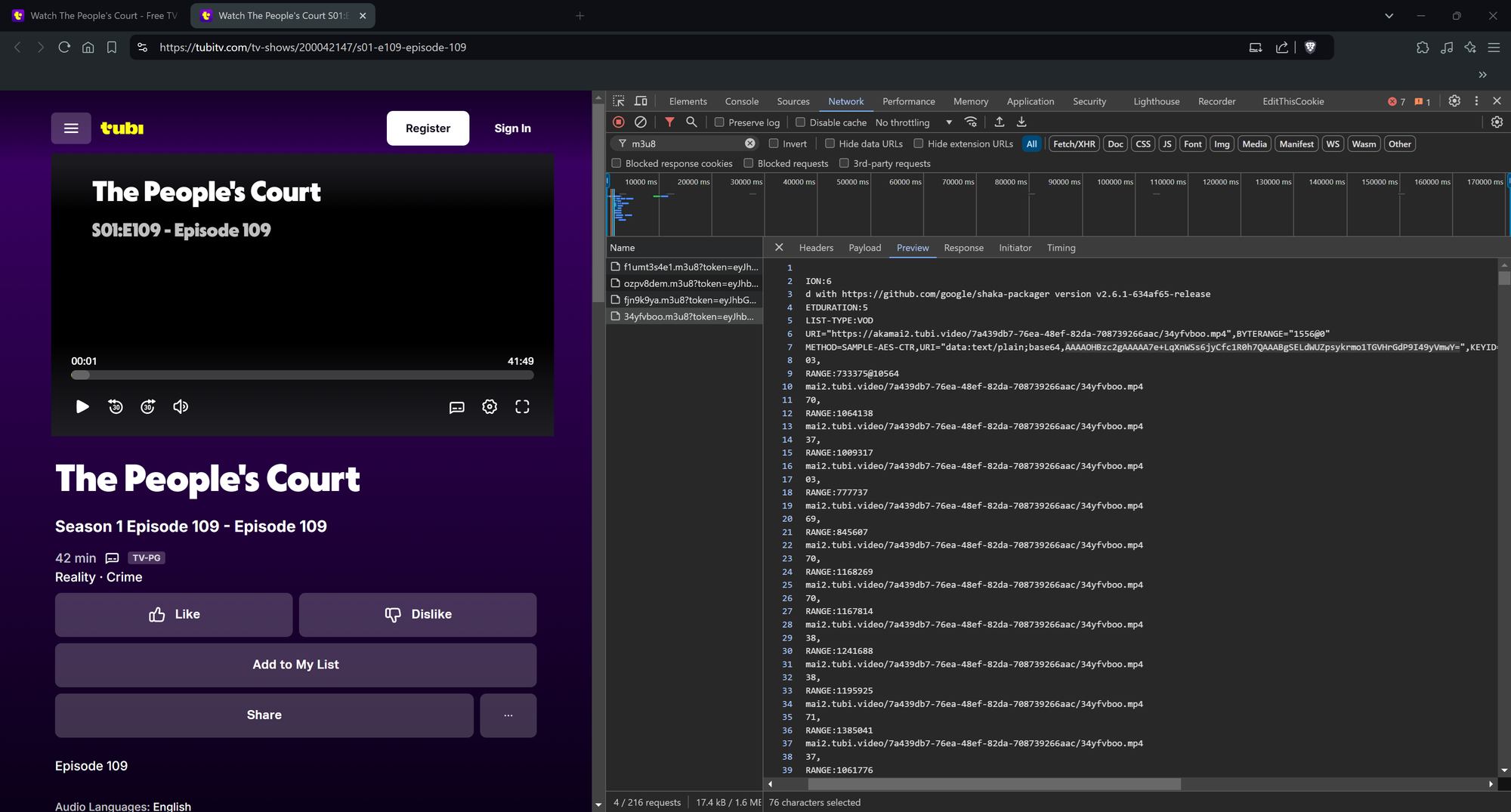
The Content Decryption Module (CDM)
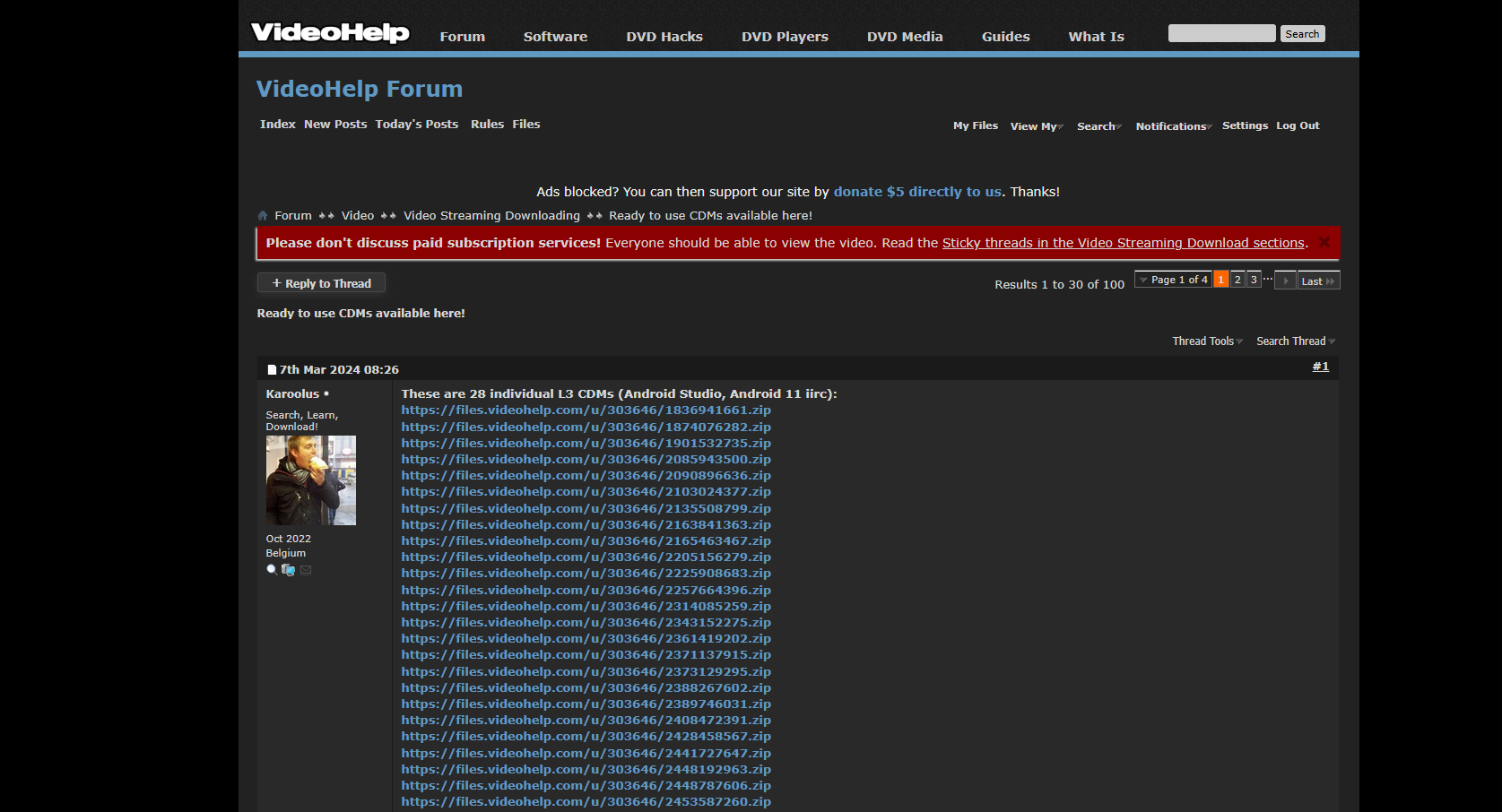
A CDM is a crucial component of Widevine's DRM system, responsible for decrypting protected media content. There are three levels of CDMs: L1 (hardware-backed, Trusted Execution Environment), L2, and L3 (software-based). Only L1 CDMs can decrypt the highest quality streams (1080p/4K on most platforms), making them highly sought after by users. However, these modules are rare and usually restricted to a small group of authorized developers. In contrast, L3 is software-level and more accessible, but it's not capable of decrypting high-quality content.
Working with pywidevine
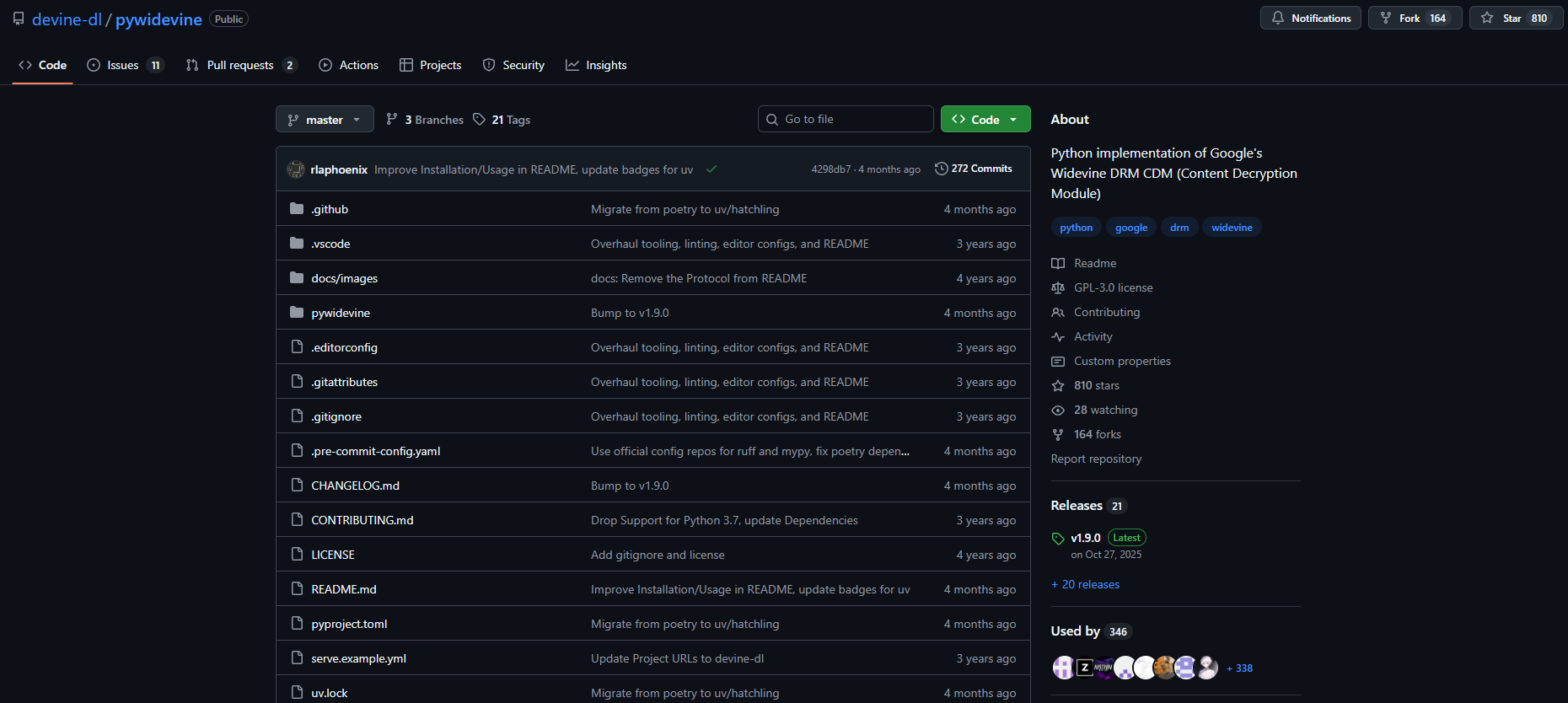
To programmatically interact with the Widevine DRM system, developers can utilize the pywidevine library, a Python package that simplifies the process of loading CDM files (.wvd), generating license challenges using the PSSH box, and sending authentication requests to the platform's license URL. The library handles all necessary request headers, including cookies and authorization tokens.
Obtaining Decryption Keys
Once the pywidevine library has successfully obtained a license from the server, it parses the response and extracts the content keys (key ID + key). These keys are essential for decrypting protected media files.
Downloading Encrypted Media
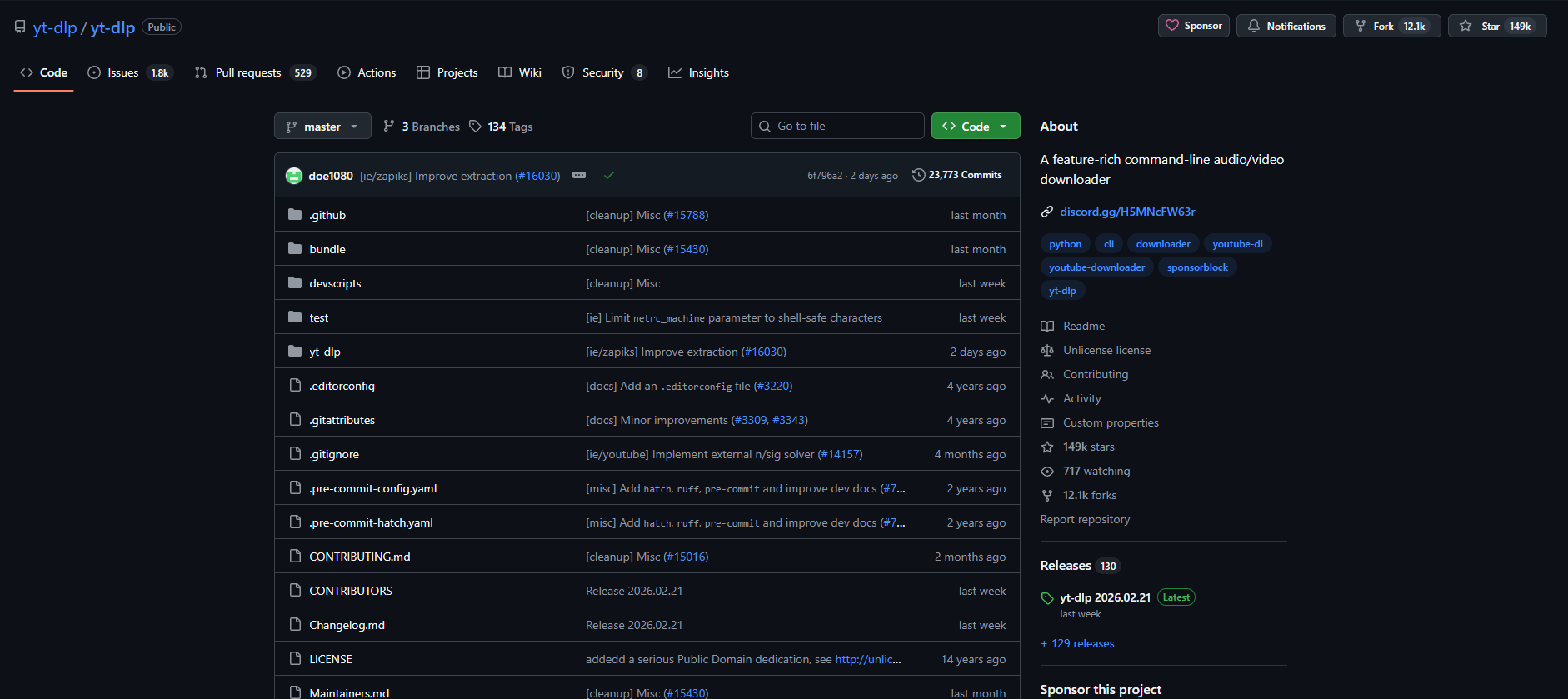
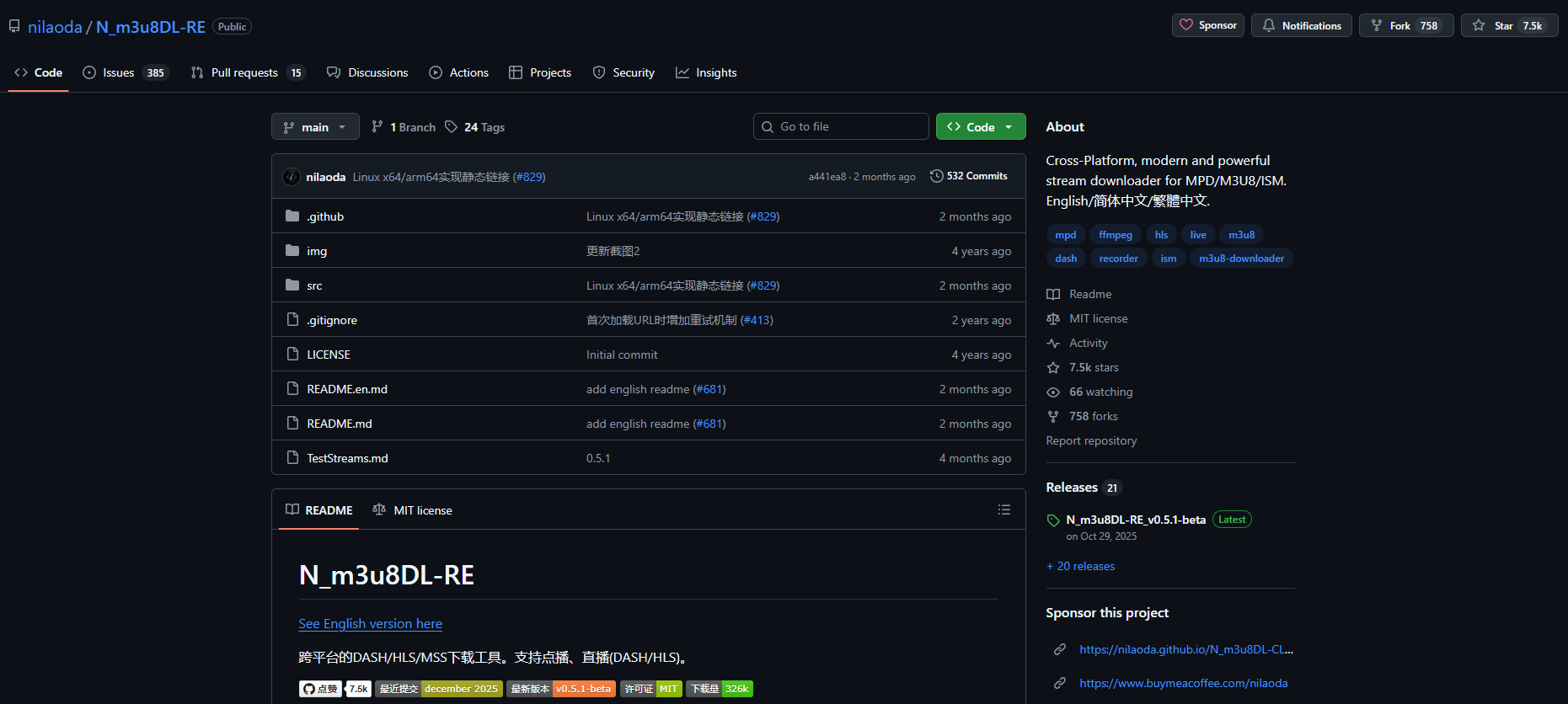
Before decryption can occur, users need to download the encrypted media files. For video platforms, tools like yt-dlp can be used, while for streams/M3U8 playlists, N_m3u8DL-RE is a suitable option.
Decryption with mp4decrypt
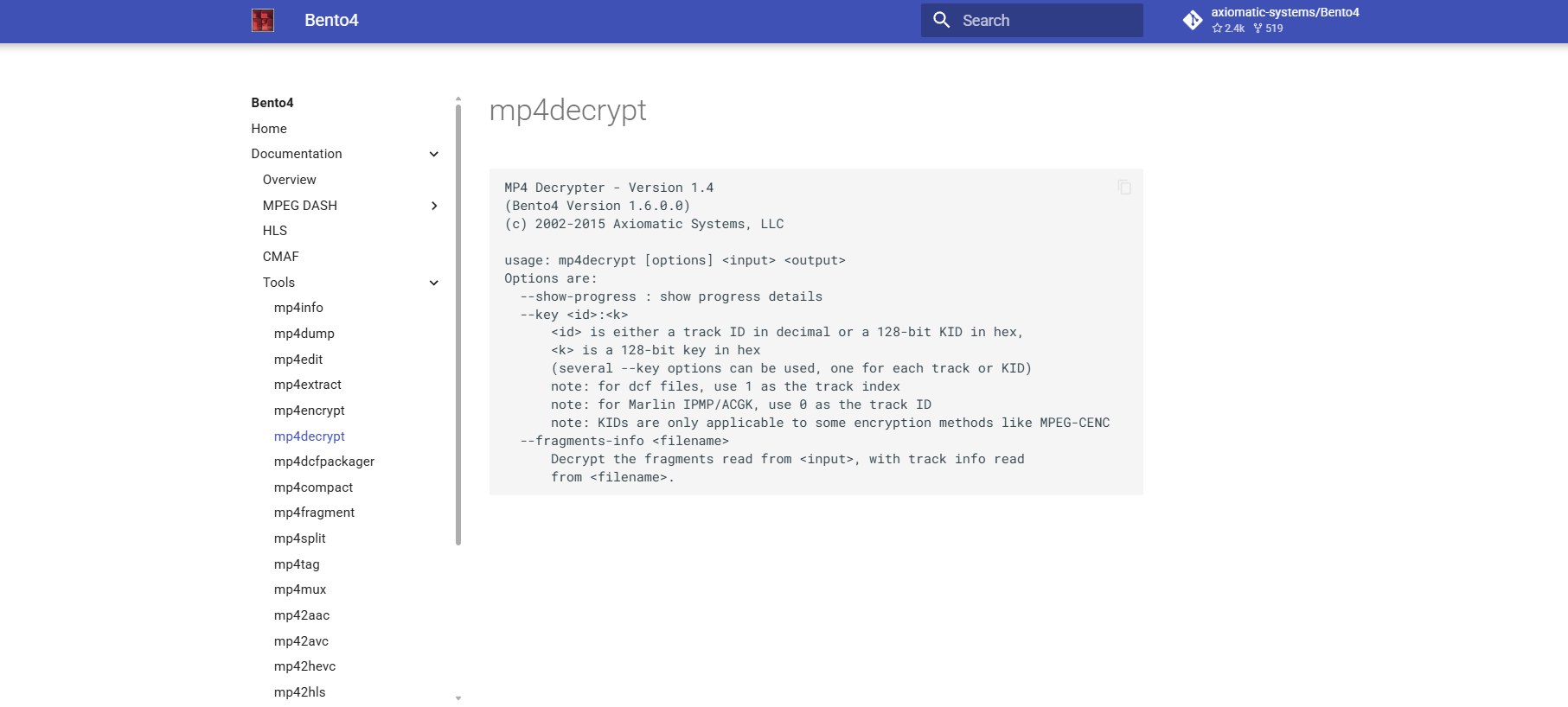
The final step in decrypting Widevine-protected content involves using the mp4decrypt tool (part of the Bento4 suite) to extract the decryption keys from the CDM file. These keys are then used to decrypt the downloaded media file, rendering it playable.
Key Quality Tiers
It's essential to note that certain keys correspond to specific quality levels, with L1 CDMs required for obtaining keys capable of decrypting high-quality content (1080p/4K). This tiered system ensures that only authorized users can access premium content.
In conclusion, the Widevine DRM architecture is a complex system designed to protect media content from unauthorized access. By understanding how PSSH boxes, CDMs, and pywidevine work together, developers can create applications that interact with streaming platforms more effectively. While decrypting high-quality content requires specialized hardware (L1 CDM), this technical deep dive provides valuable insights for anyone interested in exploring the intricacies of Widevine's DRM architecture.